AI & BYOK
Bring your own AI key: what it costs and why it matters
What bring-your-own-key (BYOK) means for AI automation, how to estimate token costs with simple math, and how to keep spending predictable and secure.
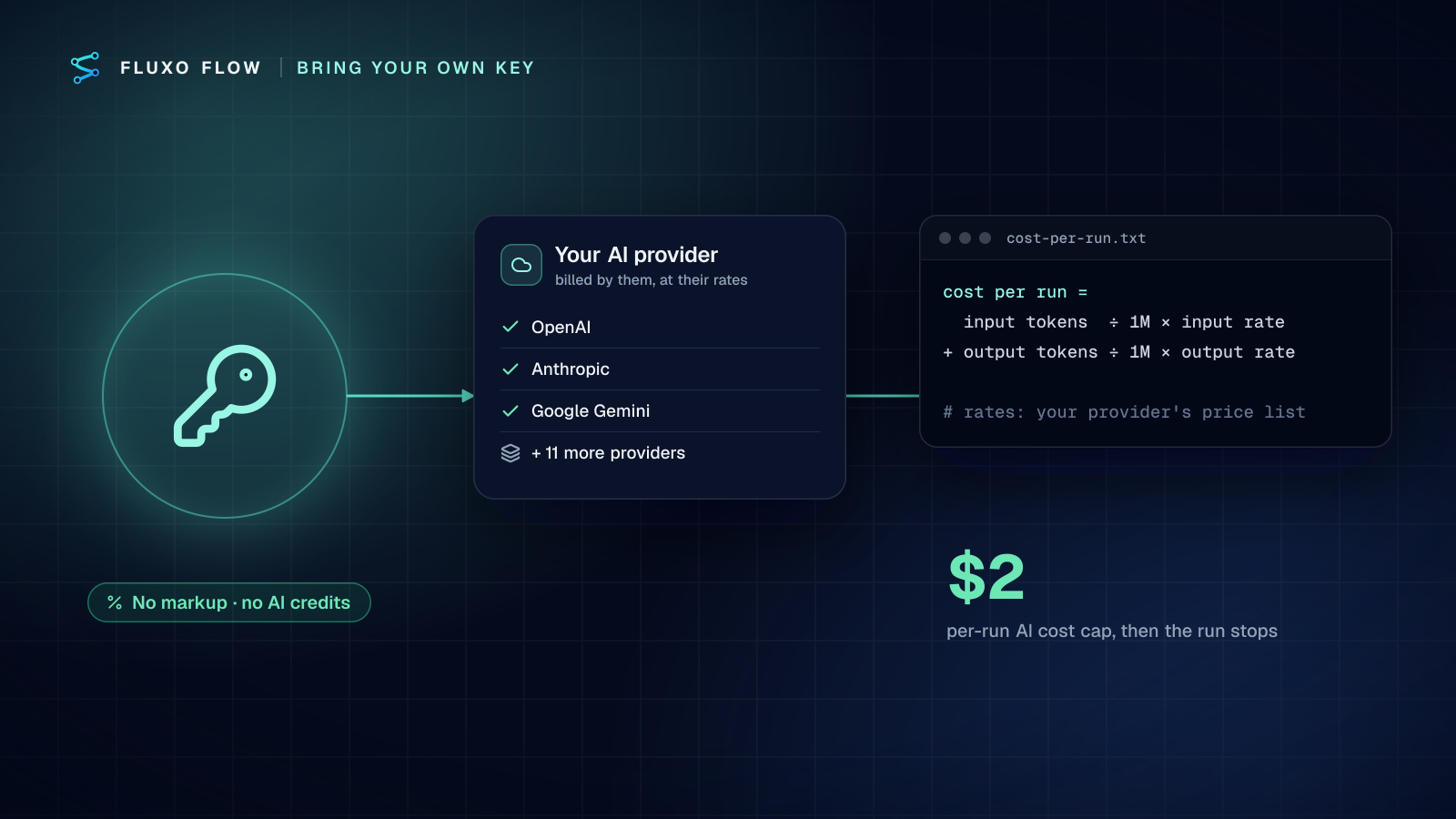
When an automation platform adds AI, it has to decide who pays for the model. Most choose to resell it: you buy "AI credits" or "AI actions" bundled into a plan, and the platform pays the model provider behind the scenes. Fluxo Flow takes the other approach. You bring your own AI provider key, your provider bills you directly, and we never mark up or resell AI usage.
In short: with BYOK you pay your AI provider's published token rates directly, and the platform plan covers only the platform. In the worked example below, qualifying a thousand leads a month costs $1.20 on a small model and $9.00 on a large one at illustrative rates: model choice moves the bill more than volume does. This post shows the math, the multipliers that push it up, and how to keep the bill predictable and the key safe.
What "bring your own key" means
Bring your own key (BYOK) means your workspace connects its own account with an AI provider, such as OpenAI, Anthropic or Google, by pasting an API key into the platform. Every AI call your workflows make uses that key. The provider charges the account that owns the key, at the provider's normal published rates.
In Fluxo Flow you connect keys in Settings → AI Providers. Fourteen providers are supported: OpenAI, Anthropic, Google Gemini, Mistral, Groq, xAI, DeepSeek, OpenRouter, Together AI, Fireworks AI, Azure OpenAI, AWS Bedrock, Google Vertex AI and any OpenAI-compatible endpoint. You can connect more than one and pick a model per AI step.
Your Fluxo Flow plan covers the platform itself: workflows, seats, schedules and integrations. AI usage is never part of a plan, so there are no credits to run out of and no "AI overage" line on your invoice.
Why it matters
1. You pay the real price
When AI is bundled, its price is set by the platform, and it has to cover the platform's margin and risk. With BYOK you pay exactly what your provider charges. When providers cut prices, which happens often, you get the cut on your next bill rather than whenever a reseller updates its plans.
2. You choose the model
Bundled AI usually means the platform's choice of model. With your own key you can use a small, fast model for classification and a stronger one for drafting, switch providers when a better model ships, or use the provider your company has already approved, including Azure OpenAI, AWS Bedrock or Vertex AI if you need your AI traffic to stay inside your cloud account.
3. Your data relationship stays with you
Your prompts and outputs go to a provider you have a direct contract with, under that provider's terms. For many companies that is the difference between "approved" and "needs a six-week security review."
4. Costs are visible
Because the bill comes from your provider, you can see token usage per key in your provider's console, set spending limits there, and reconcile it with the estimates in your run history.
How to estimate costs: the token math
AI providers charge per token. A token is a chunk of text; for English, a common rule of thumb is that one token is roughly four characters, or about three-quarters of a word. Providers price input tokens (what you send: instructions plus data) and output tokens (what the model writes) separately, and output usually costs more.
The formula for one AI step is:
cost per run = (input tokens ÷ 1,000,000 × input rate)
             + (output tokens ÷ 1,000,000 × output rate)
Rates are quoted per million tokens. Let's work through an example with illustrative rates. These are made-up round numbers for the math, not any provider's actual prices. Real rates live on each provider's pricing page (links checked October 4, 2026): OpenAI, Anthropic and Google Gemini.
| Example model | Input rate (per 1M tokens) | Output rate (per 1M tokens) |
|---|---|---|
| "Small" model | $0.50 | $1.50 |
| "Large" model | $3.00 | $15.00 |
Scenario: qualifying 1,000 inbound leads a month. Each run sends a 1,000-token prompt plus a 500-token form submission (1,500 input tokens) and gets back a 300-token structured verdict.
- Monthly input: 1,000 runs × 1,500 tokens = 1.5M tokens
- Monthly output: 1,000 runs × 300 tokens = 0.3M tokens
On the small model: 1.5 × $0.50 + 0.3 × $1.50 = $0.75 + $0.45 = $1.20 a month.
On the large model: 1.5 × $3.00 + 0.3 × $15.00 = $4.50 + $4.50 = $9.00 a month.
Two things stand out. First, for classification and extraction, model costs are often small next to the value of the work. Second, model choice moves the cost far more than volume does, so use the smallest model that does the job well.
Scenario: drafting replies. Drafting writes more. Say 800 input tokens and 600 output tokens per draft, 2,000 drafts a month: 1.6M input and 1.2M output tokens. Small model: 1.6 × $0.50 + 1.2 × $1.50 = $2.60. Large model: 1.6 × $3.00 + 1.2 × $15.00 = $22.80.
Watch the multipliers
Real workflows sometimes cost more than a single-step estimate, for predictable reasons:
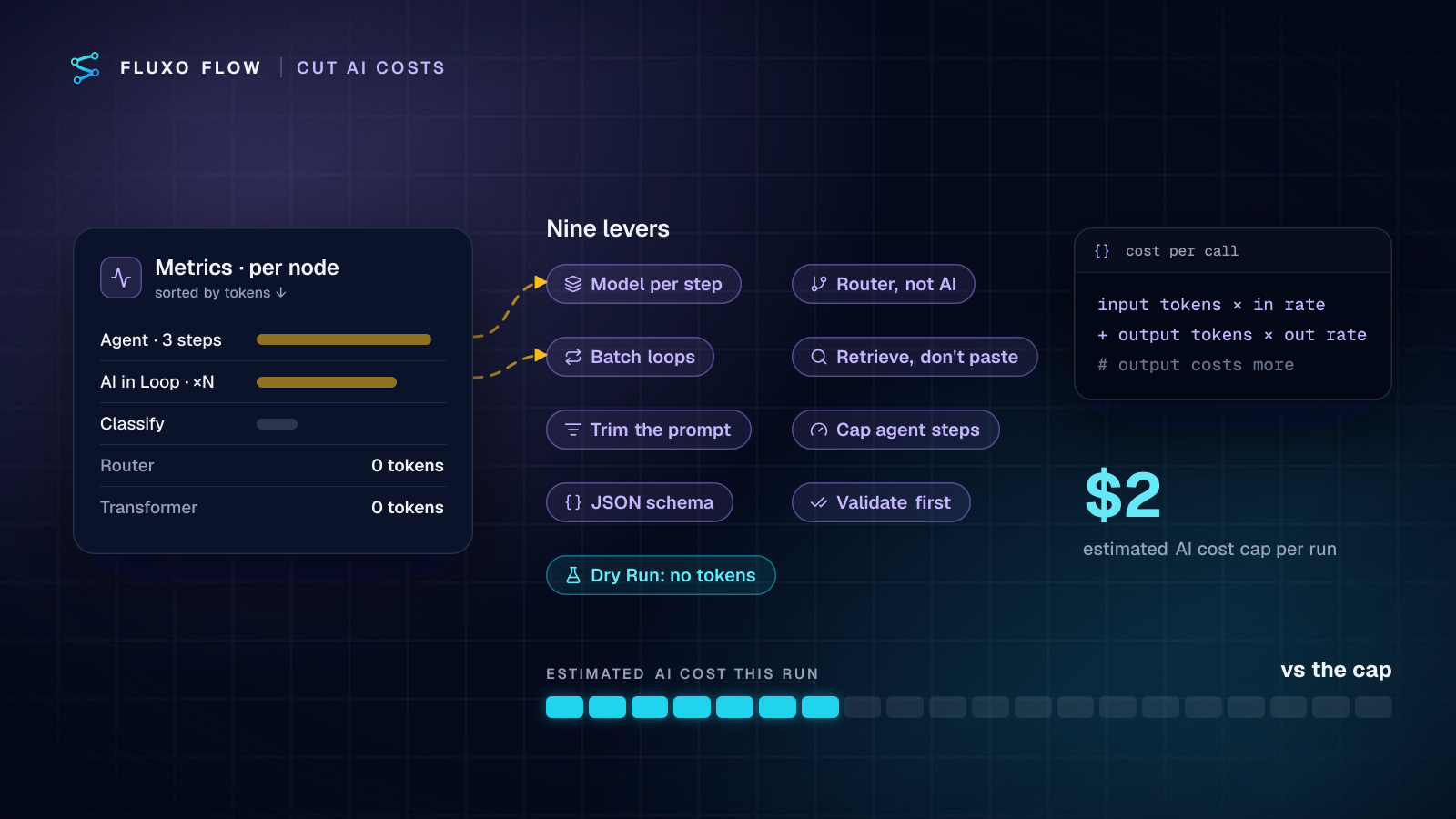
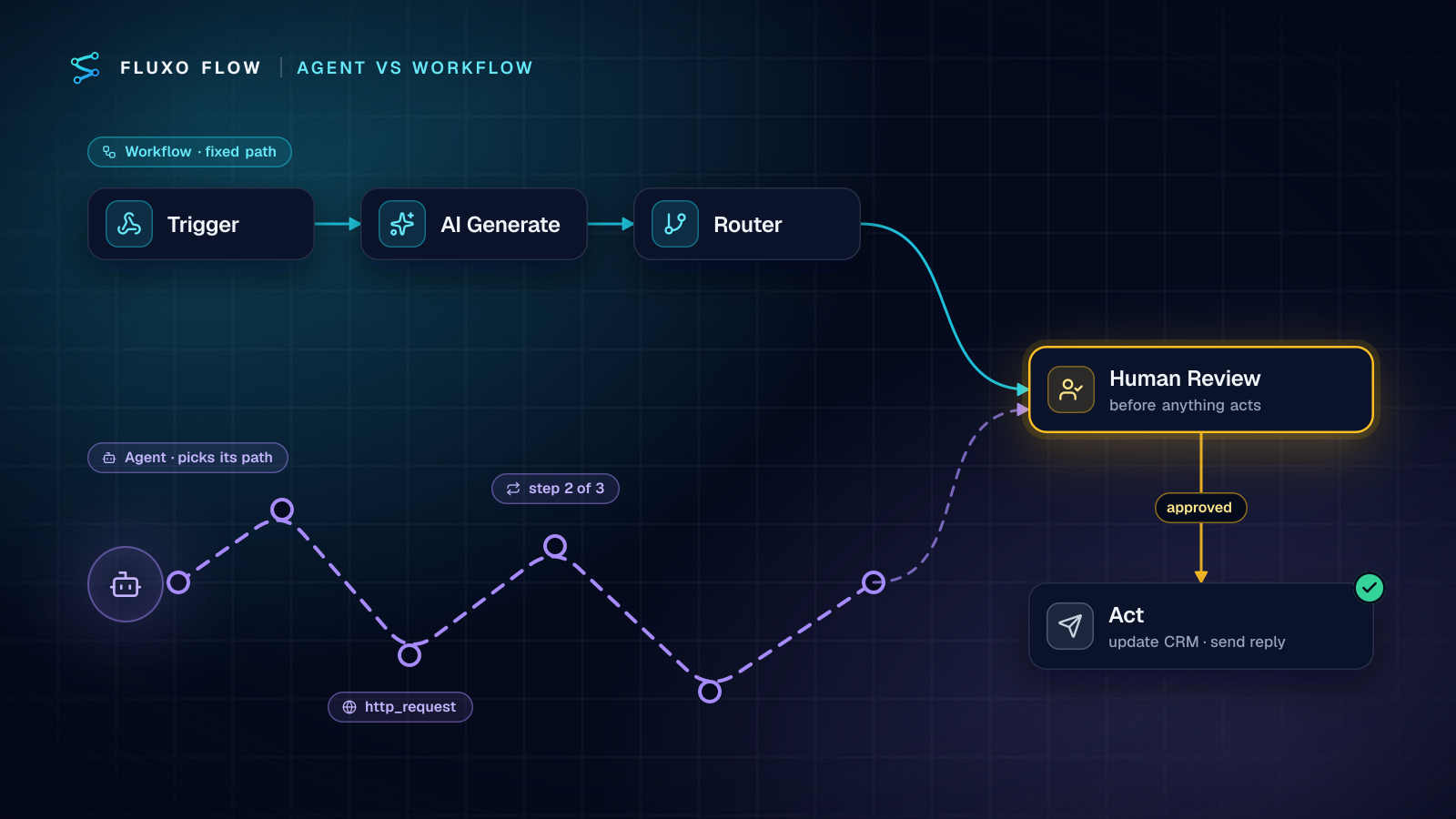
- Agent steps take several turns. An Agent node can reason over multiple steps and call tools, and each step resends context. Estimate cost per step × the max steps you allow.
- Loops multiply. An AI step inside a Loop runs once per item.
- Long context is expensive. Pasting a whole document into every prompt costs more than retrieving the relevant parts. A Retriever step can pick the entries an AI step needs.
- Retries repeat calls. If a step retries on failure, a failed call can be billed more than once.
Keeping spending predictable
Fluxo Flow gives you several guardrails, and your provider gives you more:
- Estimated cost per run. Each run shows an estimated AI cost, so you can spot expensive steps. Estimates use list prices for popular models and are approximate for others; your provider's bill is the source of truth.
- A per-run cap. Every server run stops if its estimated AI cost passes $2, to protect you from a runaway loop. Observer steps can set their own maximum cost too.
- Dry Run is free of AI spend. Dry Run simulates AI steps with placeholder output and doesn't use your key, so you can test structure as often as you like.
- A dedicated key with a spending limit. Create a key just for Fluxo Flow (for example "fluxo-production"), set a monthly spending limit on it with your provider, and you have a hard ceiling. You can also revoke it without affecting anything else.
How your key is protected
Handing a platform an API key is a real decision, so here is how Fluxo Flow handles it:
- The key is tested with the provider before it's saved. If the provider rejects it, nothing is stored.
- Keys are encrypted at rest with a server-side key the database never stores.
- A key is only used for AI calls made for its own workspace.
- The full key is never sent back to a browser; Settings shows only a short hint.
- Only workspace owners and admins can connect, replace or remove keys, and those changes are recorded in an internal audit log.
If a scheduled or webhook run finds your key rejected or out of credit, owners and admins get a notification, so a broken key doesn't fail silently.
Is BYOK more work?
A little, once. You create an account with a provider, add billing, create a key and paste it in. That takes about five minutes. After that, you're done: there are no credits to top up and no AI usage tiers to compare across plans.
The trade-off is that you have two bills instead of one: your platform plan and your AI provider. For most teams that's a feature, not a bug. AI spend shows up as what it is, and you control it directly.
The takeaway
Bring your own key means you pay the provider's real price, pick the model that fits each step, and keep a direct relationship with the company processing your prompts. Do the token math once for your main workflows, set a spending limit on a dedicated key, and AI costs stop being a surprise.
Ready to try it? Start free and build with Dry Run, which doesn't touch your key. Live runs, and with them your first AI calls, start on the Basic plan ($39/mo; see pricing). For a first workflow to price out, the AI lead qualification guide uses exactly the small-model math above.
Put this into practice
Build it on the canvas and Dry Run it on the Free plan, with no credit card. Run it live on a paid plan, on your own AI key.
- BYOK
- AI costs
- tokens
- security